RadarBox Exclusive Feature: Airband Radio
RadarBox has several exclusive and unique features of our apps and websites. Learn more in this post about this exclusive feature.
Airband Radio is an exclusive feature of ours, and we have airband radio in more than 20 countries around the world and at airports such as: Paris, New York, Miami and many other airports around the world.
How to find and use it?
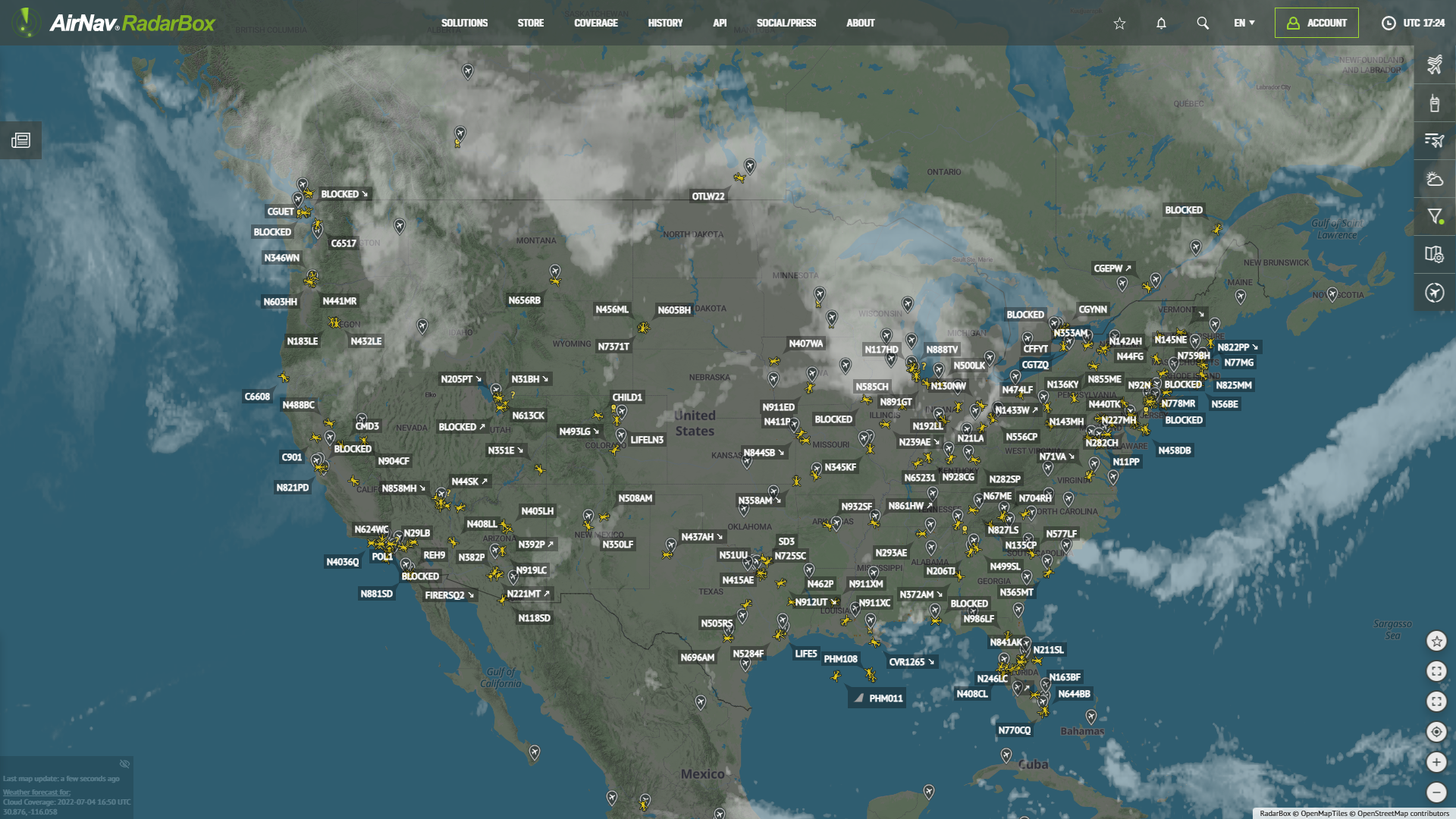
STEP 1 - Airband Radio is on the right side of our website and next to the Flight Feed item, which is also an exclusive feature of RadarBox, in the second item.

STEP 2 - Clicking on the item "Airband Radio", there will be a list with several countries and airports where we have the airband radio available.


STEP 3 - By clicking on the chosen country, there will be a list of airports, and by clicking on the selected airport, you will be able to listen to the air band radio.
In this example, Brisbane airport in Australia was chosen, and right after that, we can hear the local ATC.

This exclusive feature is available in all of our apps and website. This feature is available to all of our users.
In our apps you can find the option "Radio" in the bottom bar of the app.


Download our apps on Google Play and Apple Store:
Android: https://www.radarbox.com/android
iOS: https://www.radarbox.com/ios