Radar Mode: Bringing ATC-Level Aircraft Tracking to Your Screen

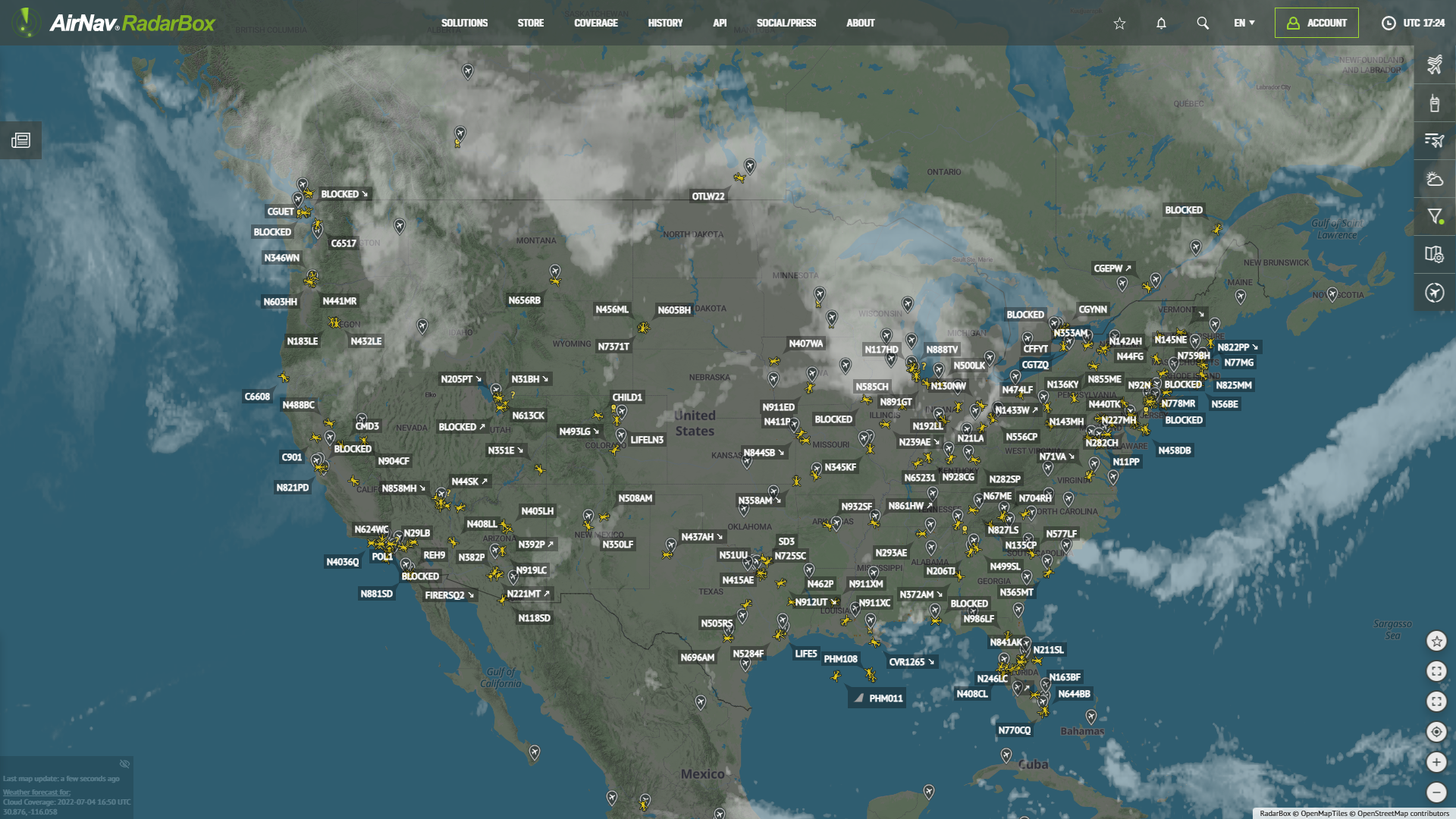
Radar Mode displayed on AirNavRadar.com
Recently launched, Radar Mode offers enhanced functionality for Pilot and Business account holders. This feature allows users to view aircraft in the same format that Air Traffic Controllers (ATC) utilize, providing a more professional and detailed perspective.
How to Use Radar Mode
To access Radar Mode, simply:
- Click on "Map Options" on the website.
- Select "Radar Mode" from the available choices.

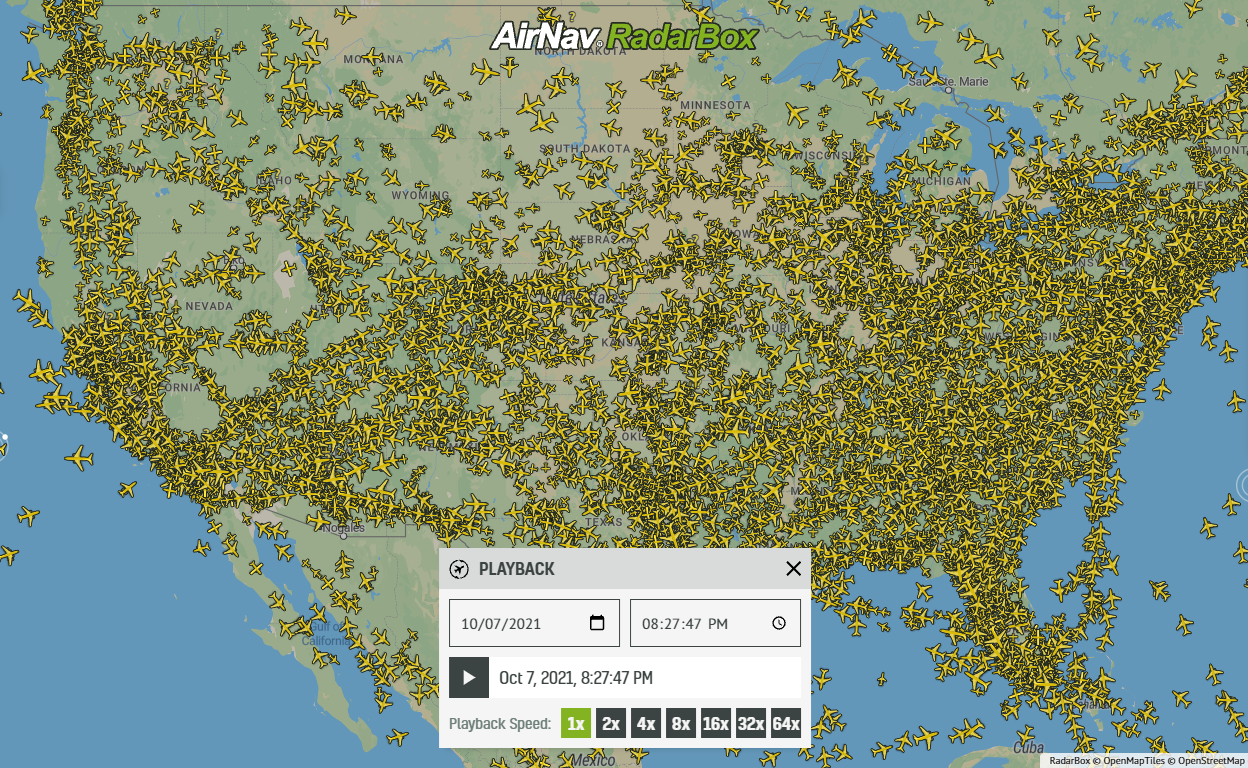
Radar Mode displayed on AirNavRadar.com
This feature displays aircraft using radar mode for a clear and accurate representation, similar to what ATC professionals use to manage air traffic.
Customization Options for Aircraft Labels
Radar Mode also enables users to customize the aircraft labels displayed on the map. These can include important information such as:
- Flight route
- Squawk code
- Additional flight data

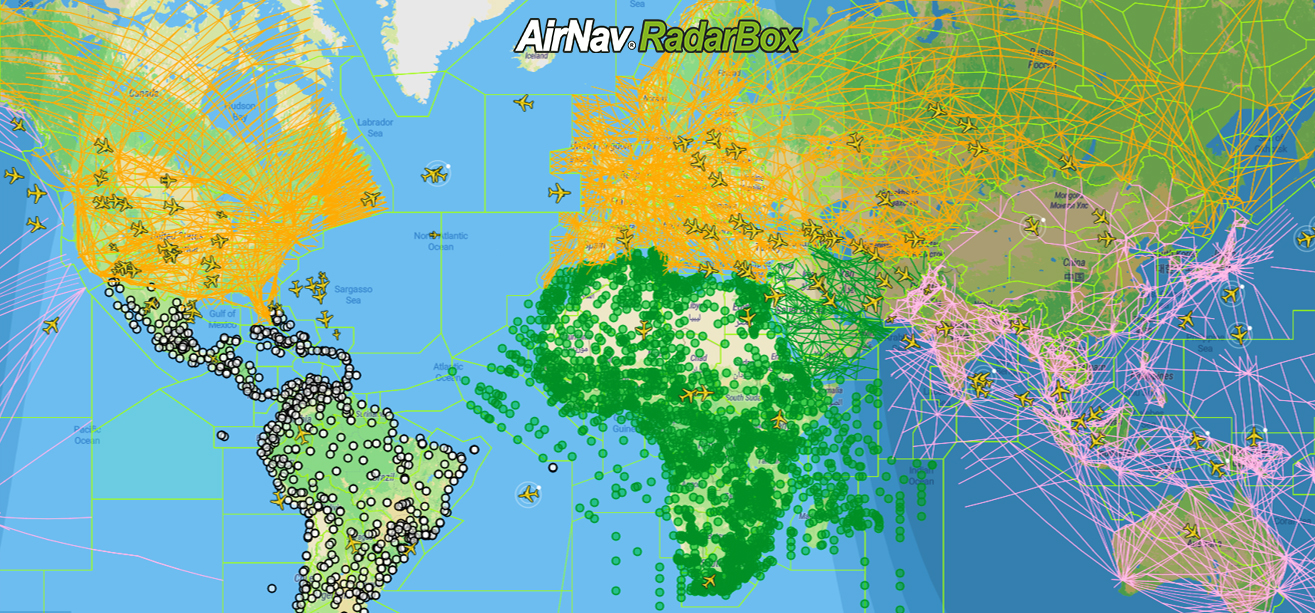
Radar Mode displayed on AirNavRadar.com
Furthermore, the label scale can be adjusted to 75%, 100%, 125%, or 150%, providing flexibility based on viewing preferences.
Available for Pilot and Business Accounts
Radar Mode is an exclusive feature for Pilot and Business accounts. Upgrading the account will unlock this new capability for those interested in accessing this advanced map option.